Tsumitec
How to save and organize tech articles with Tsumitec
Save a tech article from your browser to your unread list, then use tags and search to find it again.
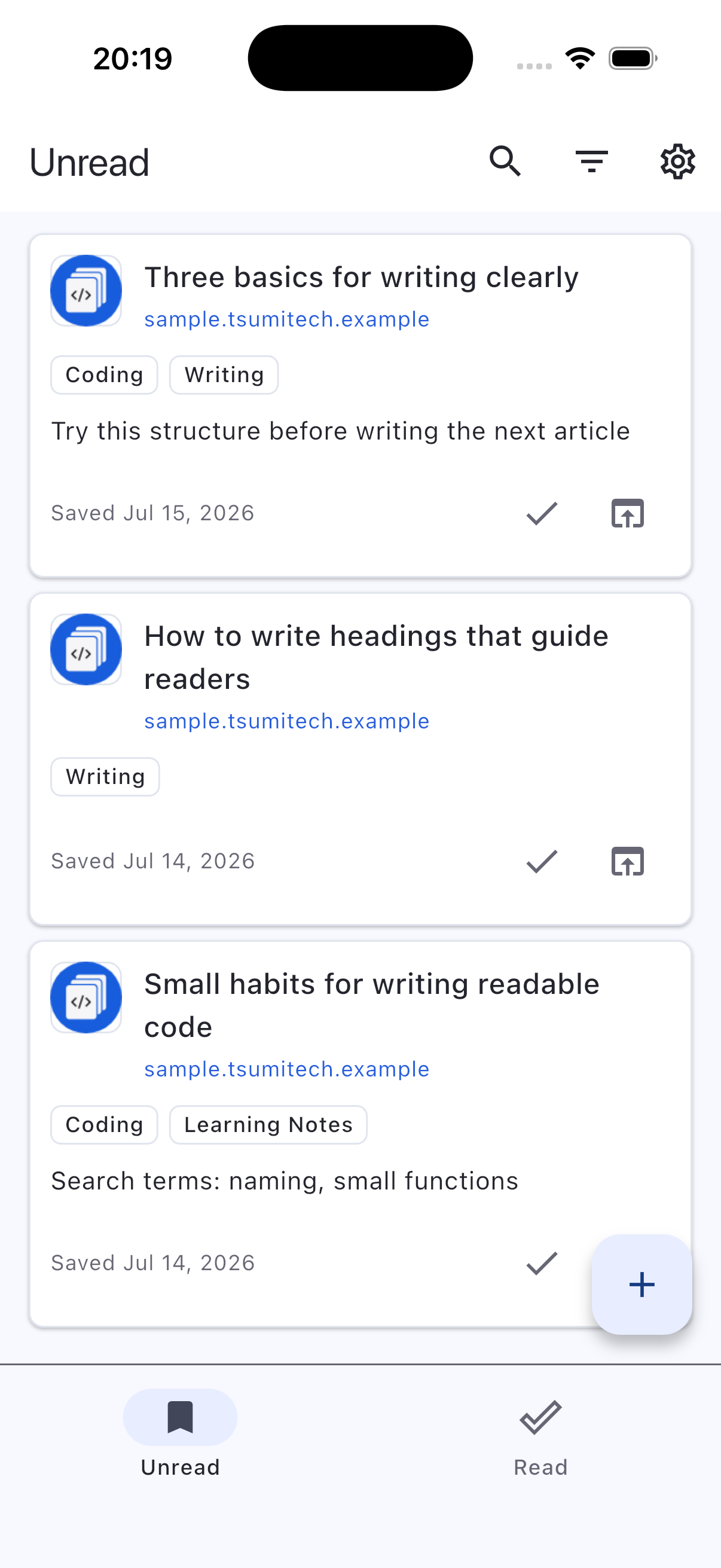
1. Save an article from the share menu or a URL
Open an article in your browser and select Tsumitec from the share menu. If you already copied the link, paste it into the add article screen and save it. The saved article appears in your unread list.
2. Add a tag and find the article later
Open the article editor and add a tag such as “Flutter.” When you have time to read, enter the tag or article title in search to find it across your unread and read lists. Move the article to your read list when you finish.
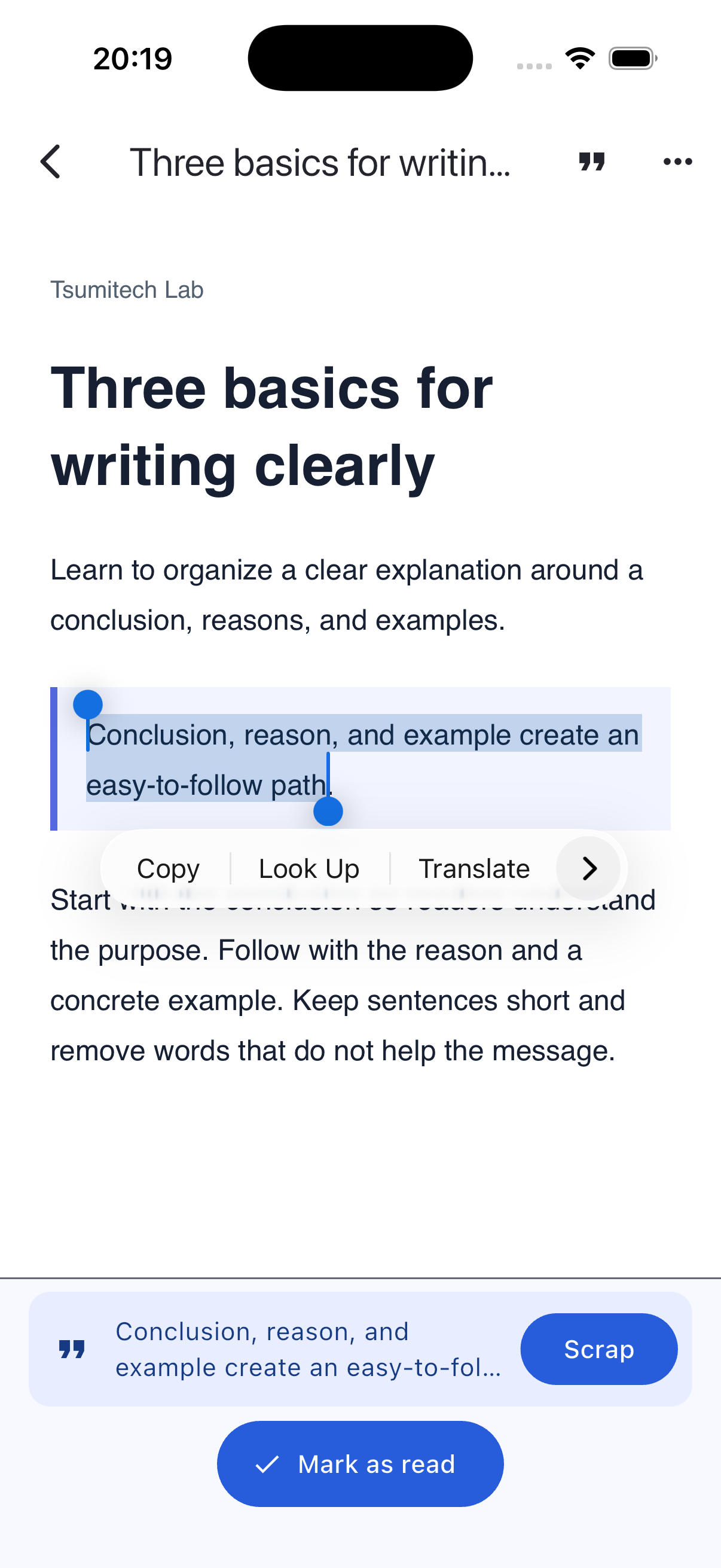
3. Save a passage to revisit
Open the article in the in-app browser. Press and hold to select the passage, then tap Scrap at the bottom of the screen. Review and save it to revisit it under Article scraps in the article details.